Add your own intro here (Customize using Settings -> General -> Tagline)
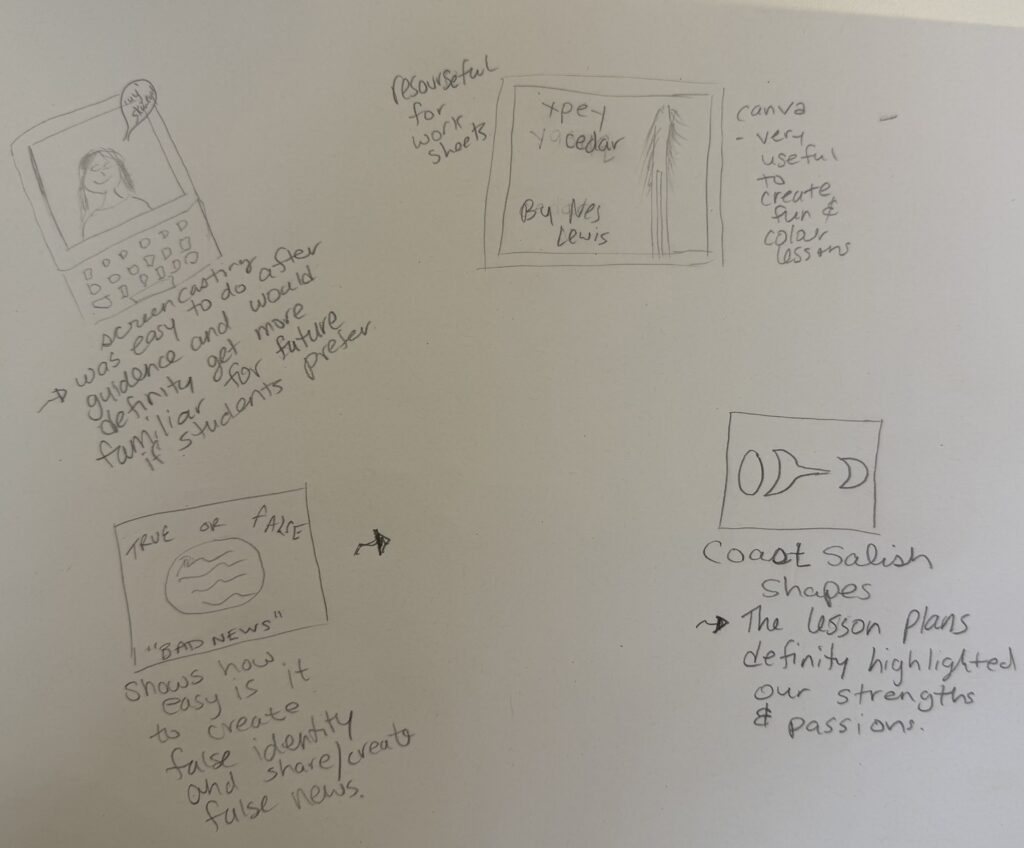
Technology and innovative teaching methods can play an important role in Indigenous language revitalization by creating more opportunities for learners to access, practise, and share the language. Digital resources such as language-learning apps, online dictionaries, recorded stories, videos, and social media can make language learning more accessible, especially for younger generations. These technologies can also help preserve language knowledge and connect learners with fluent speakers and cultural resources. Technology has proven to be easier for the younger generation to use.
Technology can have has limitations. Digital tools may not accurately represent the cultural context, pronunciation, or meanings of a language, especially when resources are created without the involvement of language keepers, speakers and communities. There can also be controversy about ownership, privacy, and the protection of culturally sensitive knowledge. Relying too heavily on technology may reduce opportunities for learners to develop relationships with Elders, fluent speakers, and other community members, which are often central to meaningful language revitalization. The connection and/or relationship can make it easier for some to grasp the language and when you only have the technology for language learning, it can be a deficit.
With that being said, teaching methods need to balance technology with community-based and culturally grounded approaches. Learning through storytelling, conversation, land-based activities, and interaction with fluent speakers can provide cultural and relational experiences that technology cannot fully replace. Overall, technology can be a valuable tool for language revitalization, but its effectiveness depends on how it is designed and used. It should support, rather than replace, the knowledge, authority, and relationships of the language community.
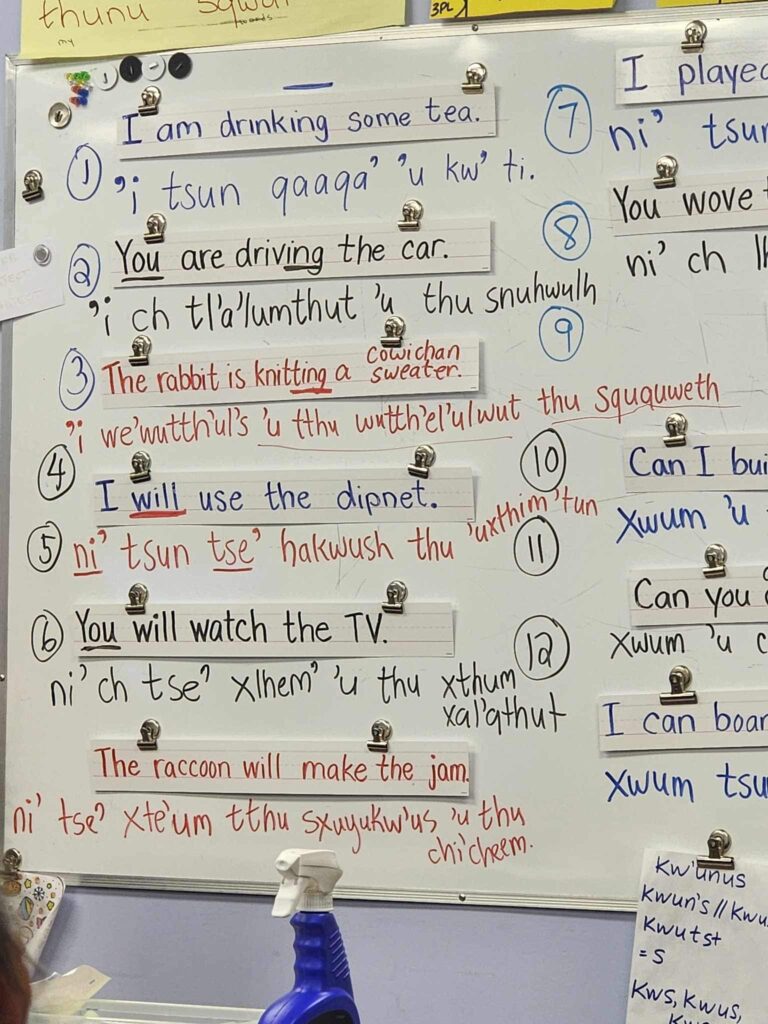
In my language journey, I have learned so much because of the amazing relationship with my instructor and the laughter that came with having a great teacher. It wasn’t so strict and was personable. I am not a person who can look online and use technology to learn. I have been wanting to learn my traditional language for a long time and my dad continues to send me the dictionary but I cannot navigate it if my life depended on it. I enjoy stories, I enjoy a cup of tea and a snack and some wholesome conversation with someone who is safe for me.
I enjoy the visuals and going off topic to explain and then going off topic explaining in depth, something else.
This was fairly easy to do with guidance and will need to do it a few more times to be confident to do more for future lessons. It is very useful and would love to be proficient when using the app.
Assignment 2A
Janesta Lewis
IED 336
Lesson plan
Coast Salish Shapes
LEARNING INTENTIONS
Students will learn to:
INTRODUCTION
1. Examine Artwork
Show students a few examples of Coast Salish art
Ask:
“What shapes do you see repeating?”
“Where do you notice symmetry?”
“How do the lines flow?”
Introduce the three key shapes:
GUIDED PRACTICE
Practice Drawing the Shapes
On scrap paper, guide students to draw:
4–6 ovoids (large and small)
4–6 circles (single, overlapped, nested)
4–6 trigons (flowing in different directions)
4–6 crescents
Ask:
“Which shape is the easiest for you?”
“Which one creates the most movement?”
Step-by-Step:
1. Sketch the Outline
Students draw a simple outline of their plant or animal.
2. Fill the Shape with Ovoids, circles, trigons and crescents
CLOSING
Whole-class reflection:
“Which shapes did you use the most?”
“How did you make your design flow?”
“What part of Coast Salish art inspired you?”
ASSESSMENT (Teacher or Self-Assessment)
Checklist:
□ I used ovoids in my design
□ I used circles in my design
□ I used circles in my design
□ My design is based on a local plant or animal
□ I created flow, balance, or symmetry
□ My artwork is original and respectful

Prayers in hul’q’umi’num’
Before proceeding with this first blog post, we expect you to consider your privacy preferences carefully and that you have considered the following options:
First tasks you might explore with your new blog:
Do consider creating categories for each course that you take should you wish to document your learning (or from professional learning activities outside of formal courses). Keep note, however, that you may wish to use the course topic as the category as opposed to the course number as individuals outside of your program would not be familiar with the number (e.g., we use “EdTech” instead of “IED 336”).
Lastly, as always, be aware of the FIPPA as it relates to privacy and share only those names/images that you have consent to use or are otherwise public figures. When in doubt, ask us.
Please also review the resources from our course website for getting started with blogging:
This is where Assignment 2: Lesson Plan & Materials Creation will be presented when complete.
© 2026 Language Revitalization
Theme by Anders Noren — Up ↑